Step 1 : SIM card settings
Settings (Settings)
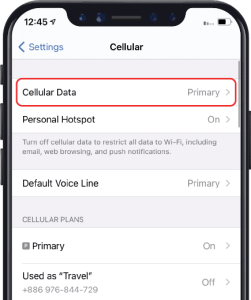
Select Cellular (Cellular)


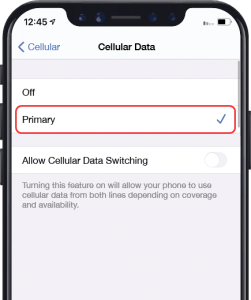
Go to Cellular Data and select the primary SIM (Primary)
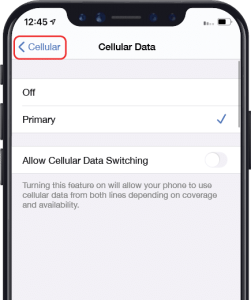
Then go back to the Cellular page (Cellular)
Go to Primary SIM (Primary)
Turn on Data Roaming (Data Roaming)
Wait 3-5 minutes for the phone to find a signal
Once the signal bars appear as shown
You can start using the internet right away.
Step 2 : APN settings
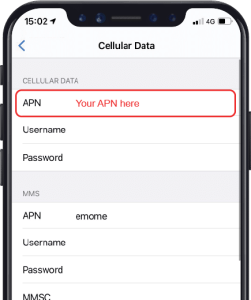
APN (Access Point Name)
Each country uses a different APN.
*iOS From version 10 onward, the APN is set automatically
But if you want to set it up manually
You can follow these steps
Settings (Settings)
Select Cellular (Cellular)
Go to Primary SIM (Primary)
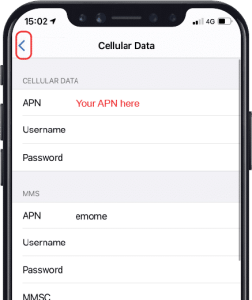
Go to Cellular data network (Cellular Data Network)