


Details
NetworkOne SIM works in multiple countries, automatically connecting to each country’s network
Speed
Day count startson first activation (when connecting to the internet at the destination)
Usage day cycle
Supported apps
ActivateInstall within 90 days of receipt QR
Top up data (Top Up)No — buy a new package any time and get the QR in about 5 minutes
Check status / expiry datein My account › My eSIMs
Calls / TextsInternet only, no phone number
Share hotspot
APNUsually set automatically — if data doesn’t work, enter these values at Settings › Mobile Network › APN
Supported countries and networks
Works in 2 countries · automatically connects to the strongest network in the area
 Denmark34G / 5G
 Sweden34G / 5G
Customer reviews
5.0
★★★★★Reviews of SAMURAI from real customers · no reviews for this package yet
アーン★★★★★
After returning from Japan, I was really impressed with Samurai’s e-sim Fast internet with no lag. We used it on Mount Zao at the Snow Monster viewpoint and had 5G the whole time; in Tokyo it showed 5G+, and the hotspot was fast too. We’ll use your service again on our next trip! 🧡
Reviews from Google
Only customers who bought this package can review — Log in with the email used to order
Use in 3 steps
No need to pick up a SIM at the airport · See detailed installation guide ›
- OrderChoose a package, pay, get the QR + code by email in about 5 minutesNow · 1 min
- Scan QR to installDo it in Thailand while still on WiFi. Days don’t start counting yet1–2 days before flight · 3 min
- Activate at destinationSet SAMURAI eSIM as your mobile data + turn on Data Roaming. Your Thai number still receives SMSAt destination · 1 min
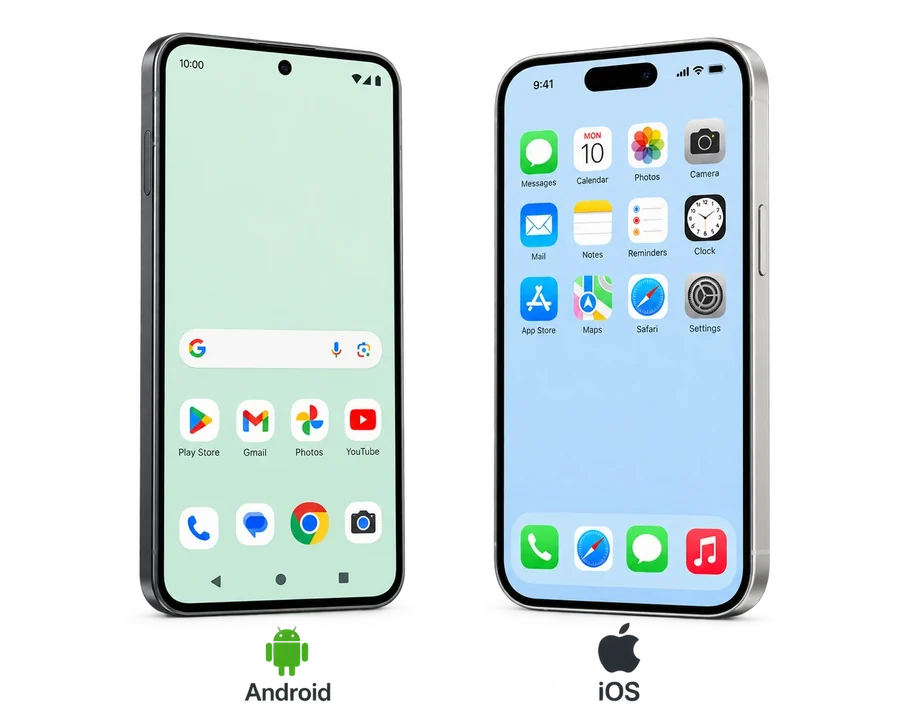
Does your phone support eSIM?
AndroidiPhone (iOS)
Check supported phone models Before buying an eSIM — takes less than a minute
Check supported phone models